
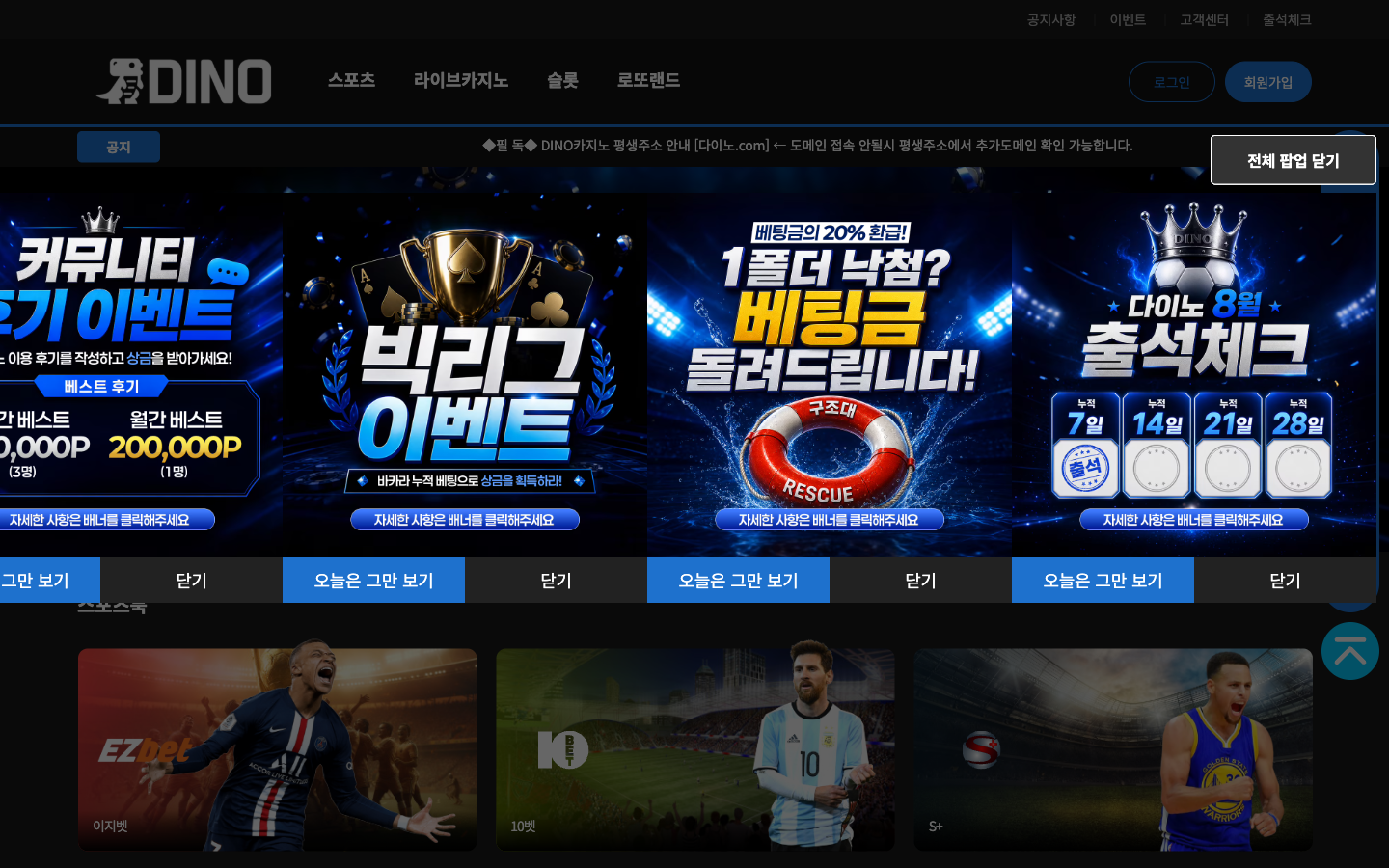
Log in is the outlined 로그인 button on the right of home. It opens the /login page, not a dialog.
Steps
Log in button
The outline control to the left of Sign up. The URL becomes /login.
ID and password
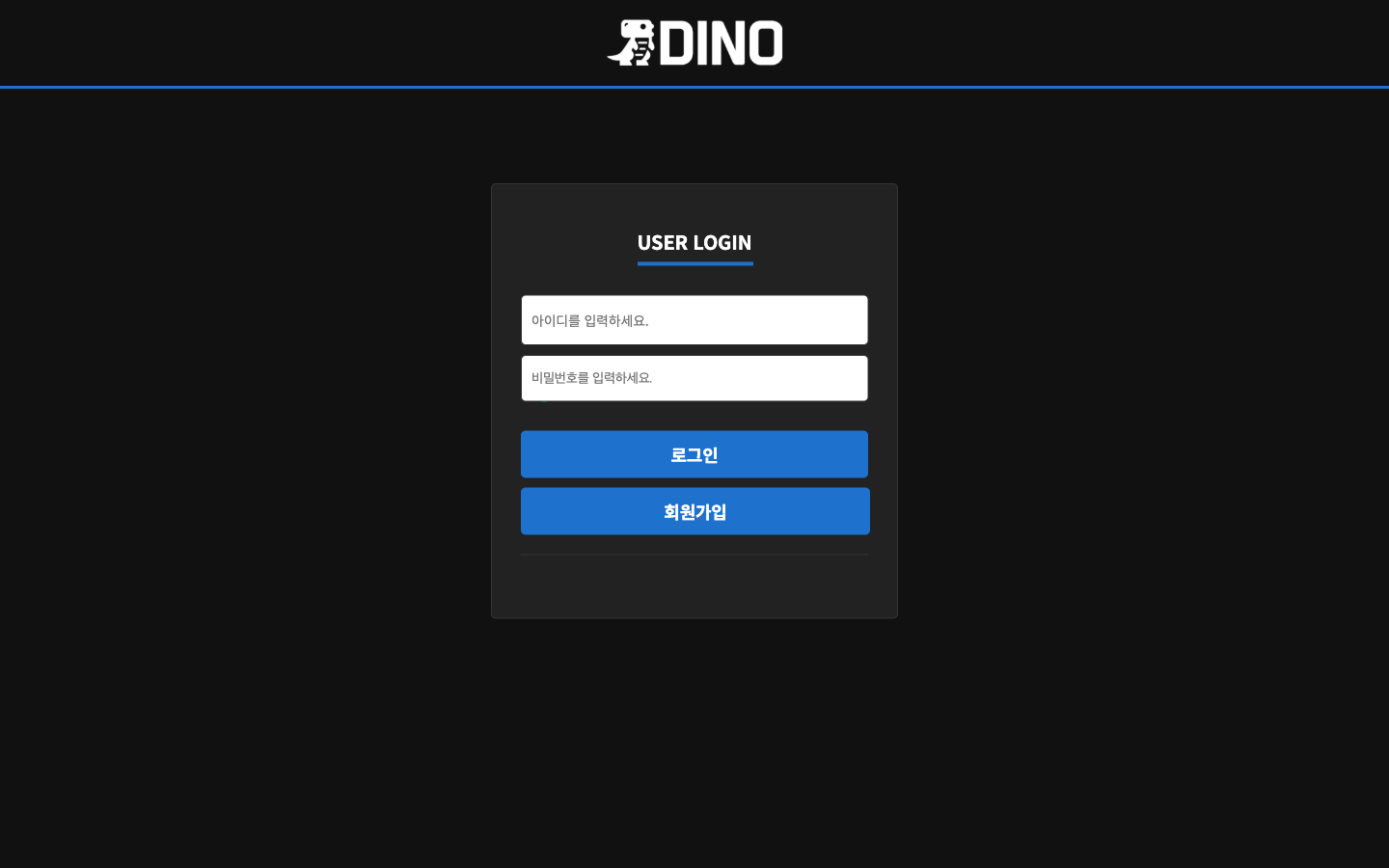
The heading is USER LOGIN. Enter ID and password in the white fields, then tap the blue 로그인 button. The blue button below is 회원가입 and goes to /join.
If it will not open
The numeric host may have changed, or the network may block it. Use the host on the “If it will not open” page.